Tools for reading and practicing a lesson
Start with the idea in plain words. Listen, work through an example, and choose how to practice.
Some of these features will become part of a paid plan; the rest will stay free.
Start with plain words
Read the idea, see a picture, then follow a worked example before trying it yourself.
Try: start with plain words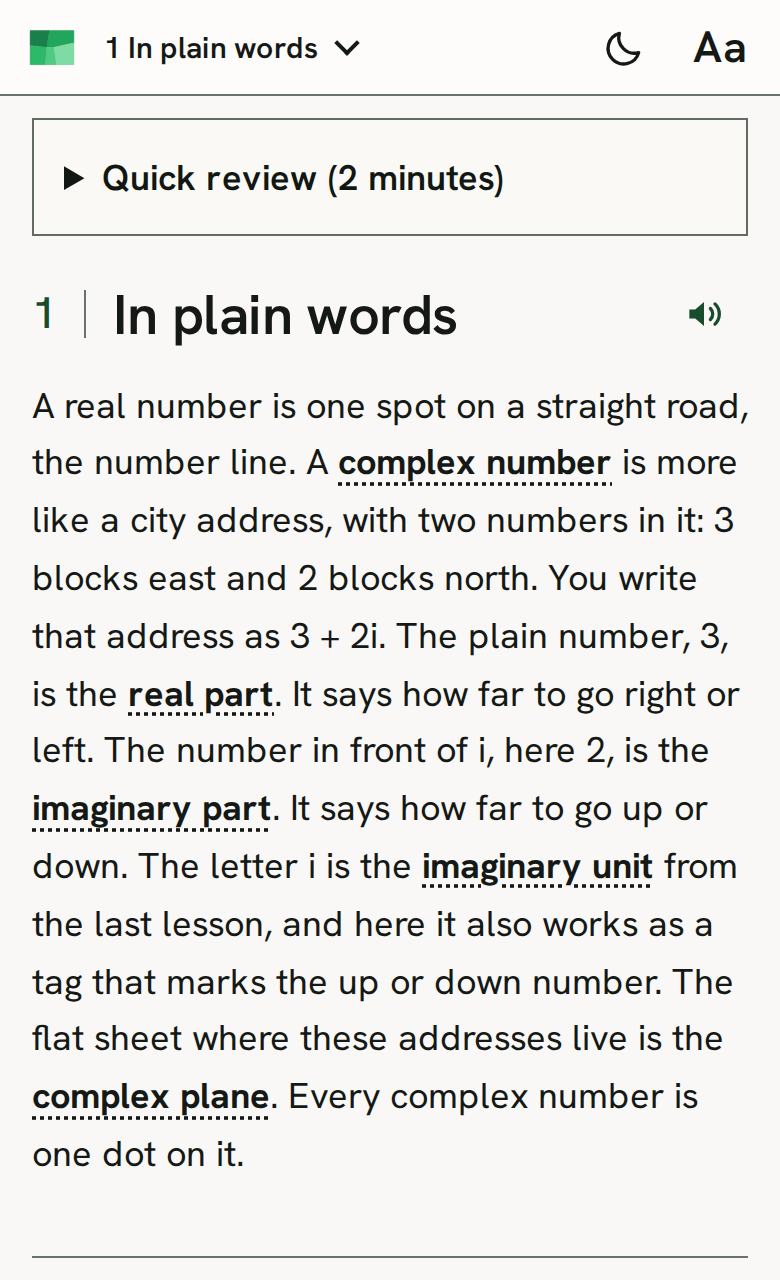
Choose Short or Full
Use Short to scan the essentials. Switch to Full for the explanations around them.
Try: choose short or full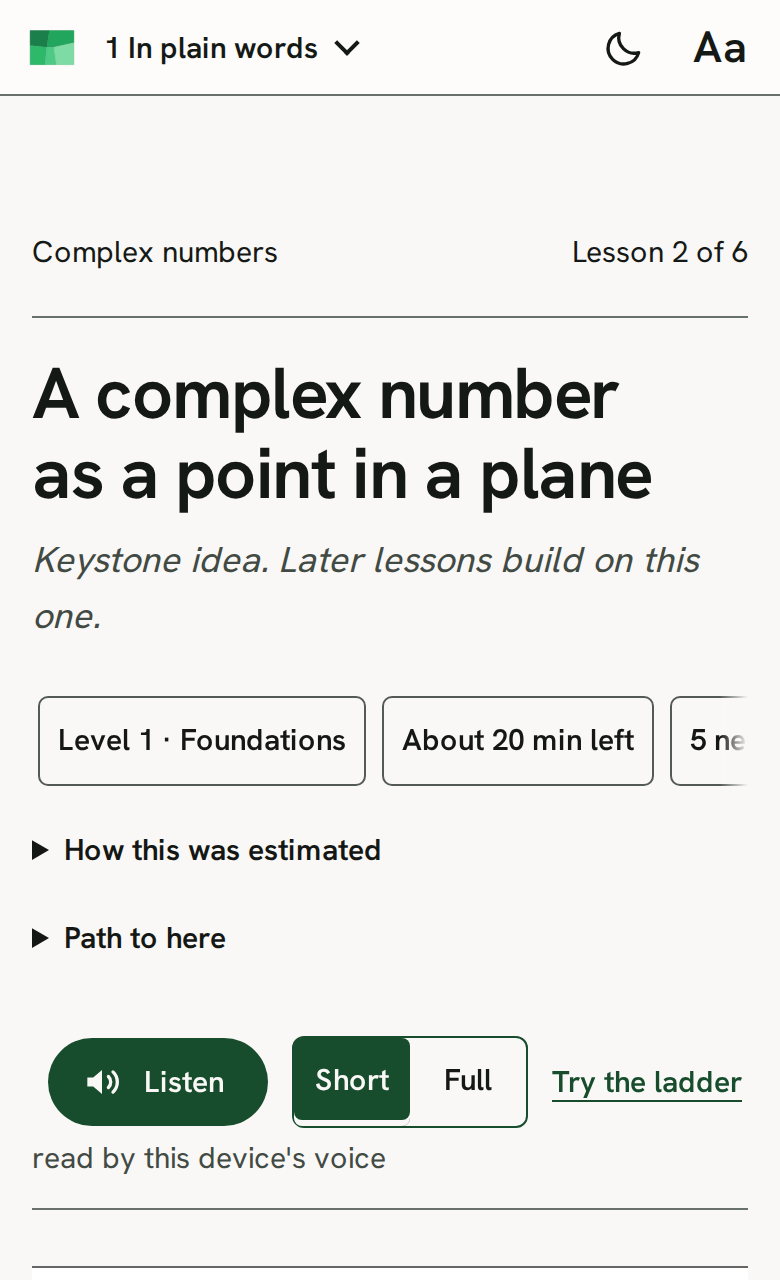
Listen and follow the sentence
Open Listen to hear the lesson as its sentence is highlighted. Lessons with recordings use those clips; other lessons use your device’s voice.
Try: listen and follow the sentence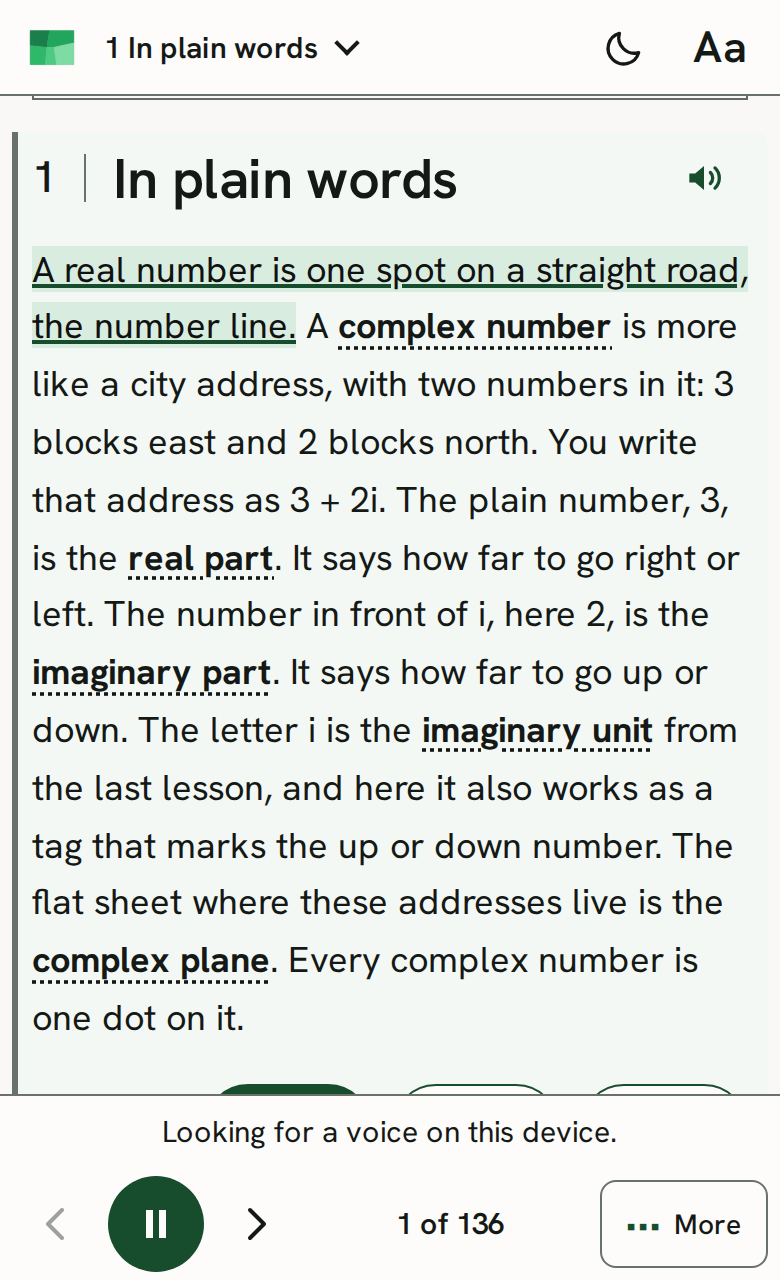
Watch it solved
Play a worked example one step at a time. Pause, go back, or move to the next step.
Try: watch it solved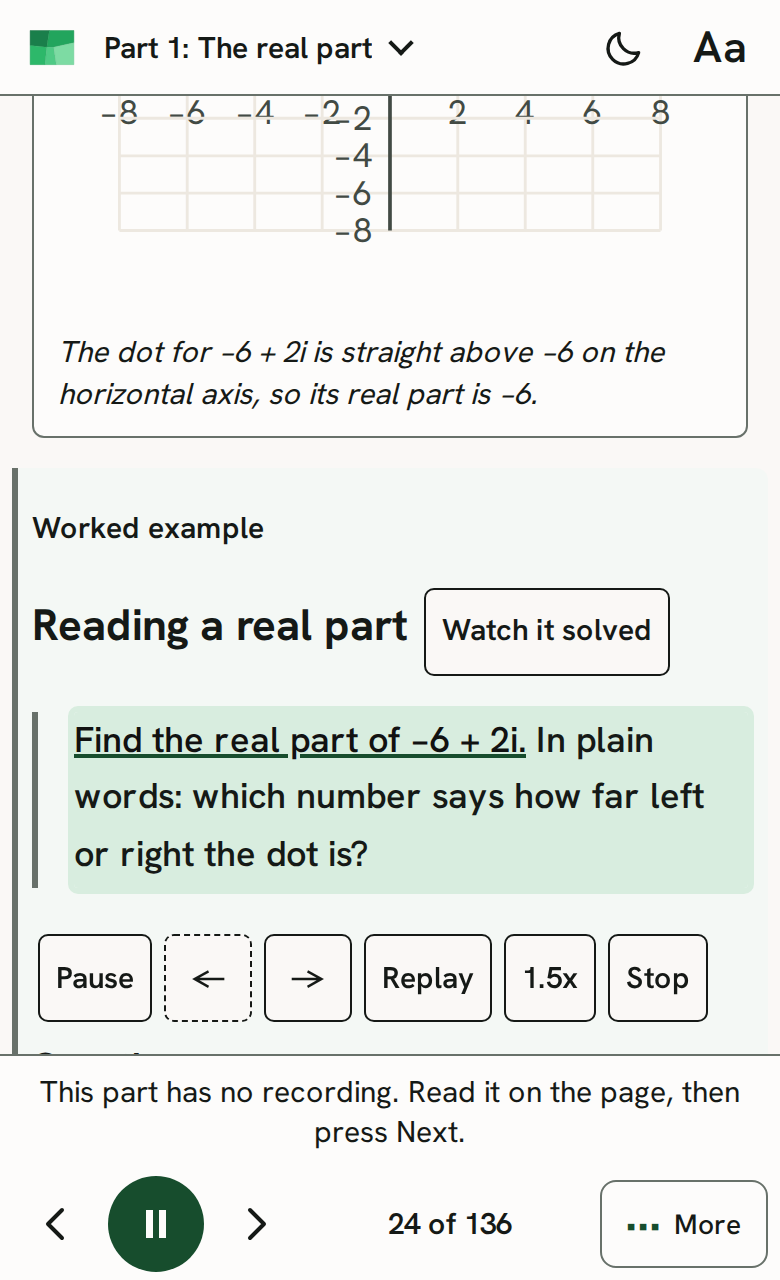
Find the path to a lesson
Check estimated level and reading time. Open Path to here to see earlier lessons and your saved done marks.
Try: find the path to a lesson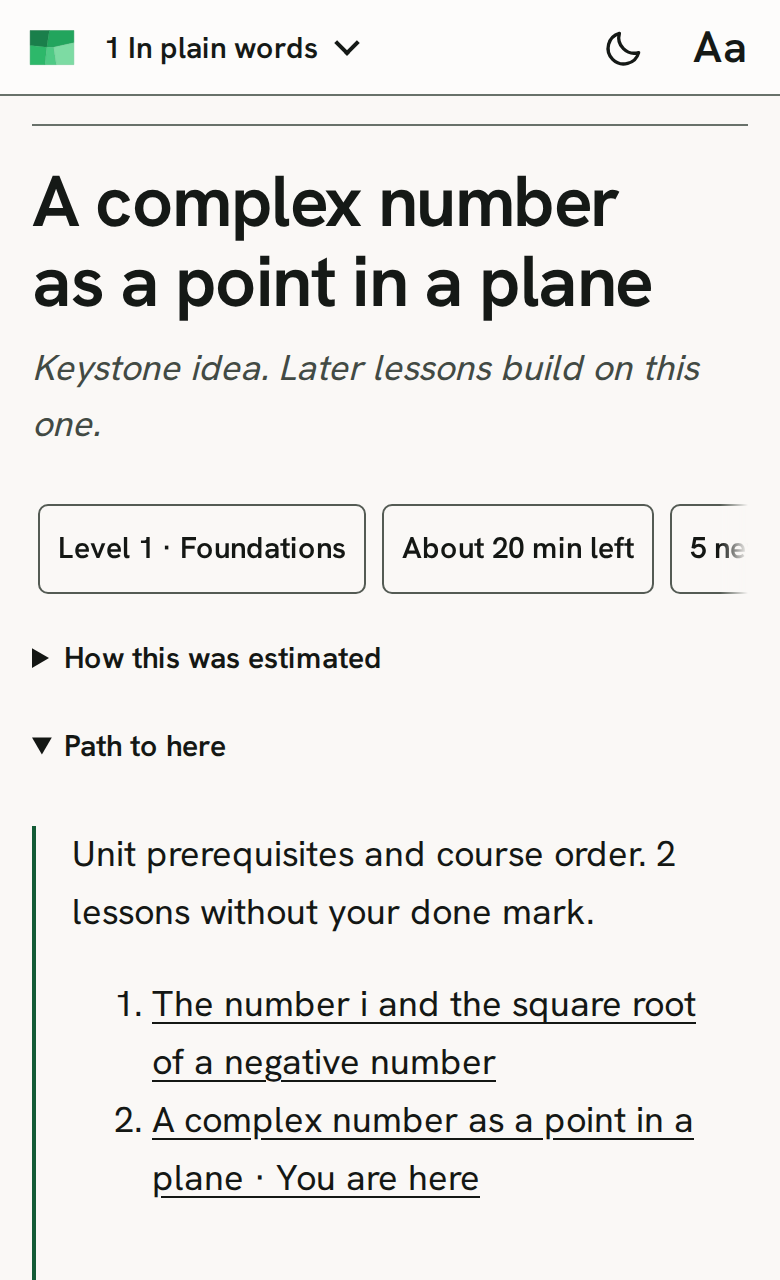
Practice with hints and answers
Try the lesson’s ladder, then return to Practice to review. Open hints and worked answers when you need them.
Try: practice with hints and answers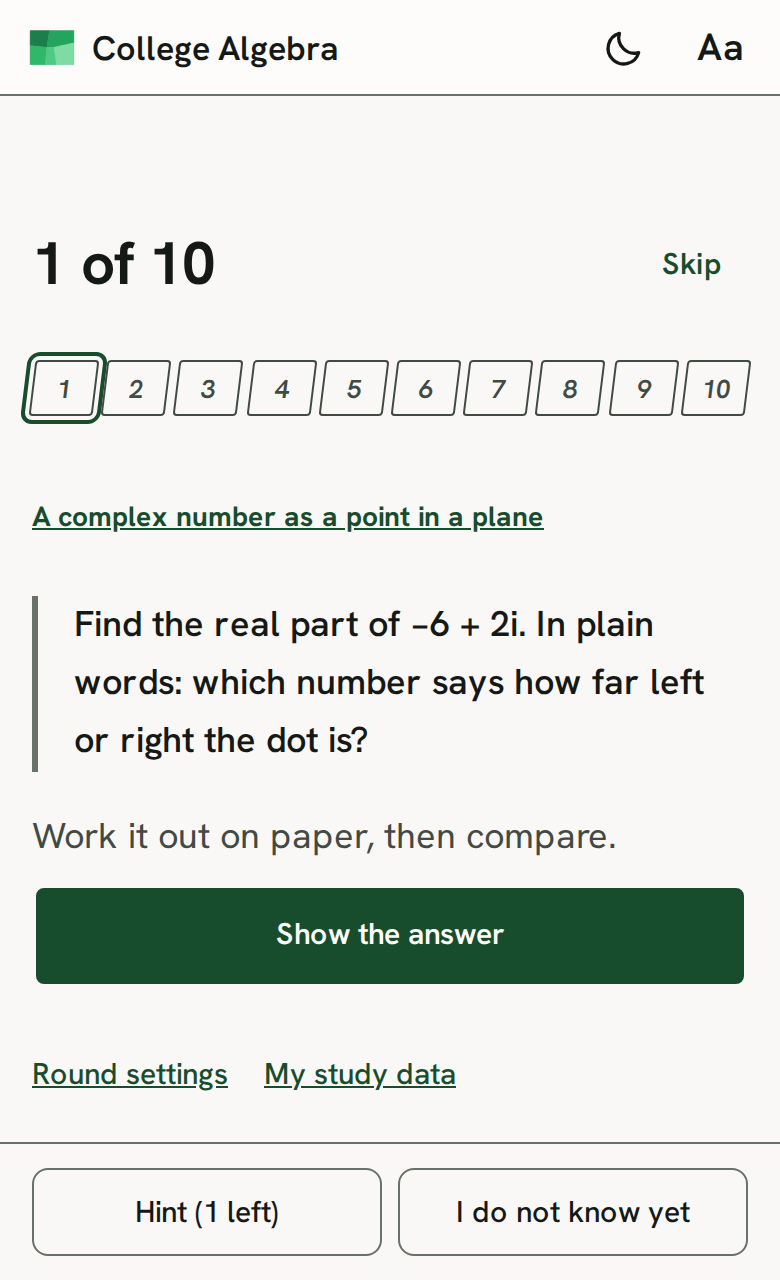
Recall with flash cards
Read the prompt, recall your answer, then turn the card to check it.
Try: recall with flash cards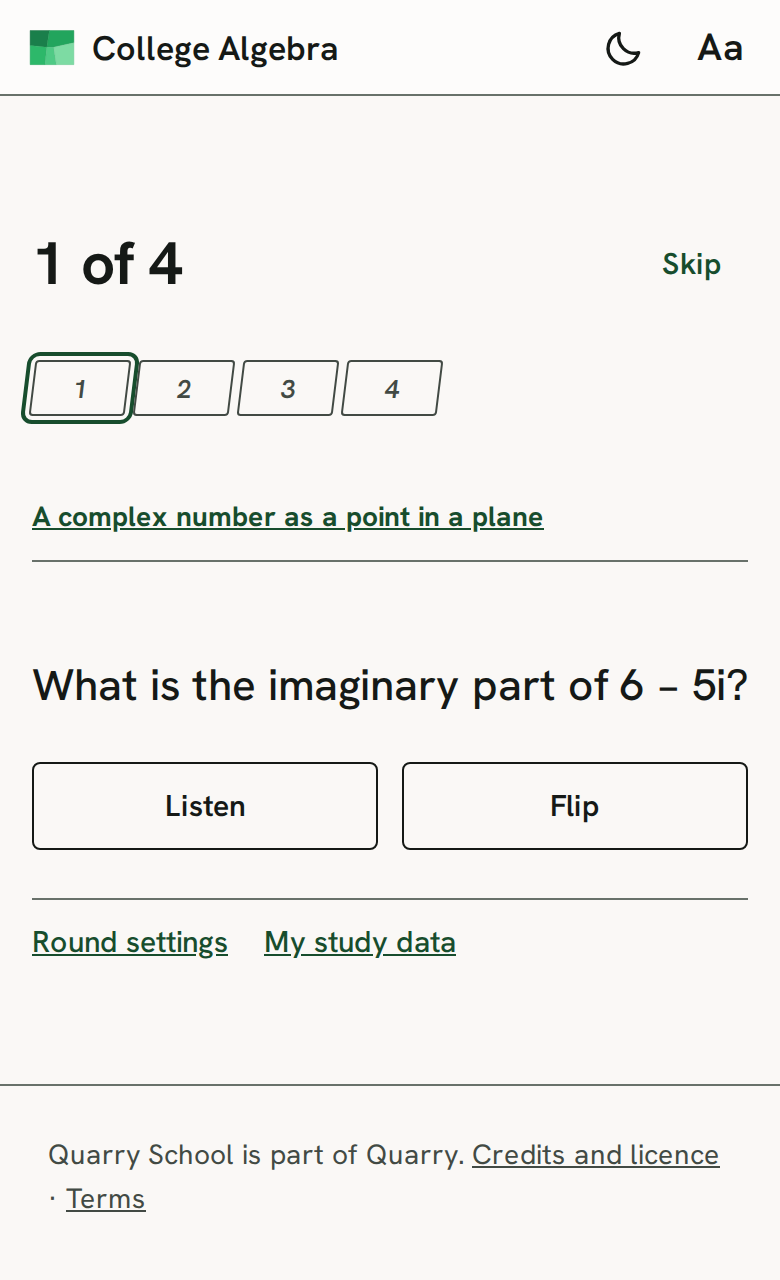
Read a unit on one page
Keep a unit’s lessons together and move between its sections.
Try: read a unit on one page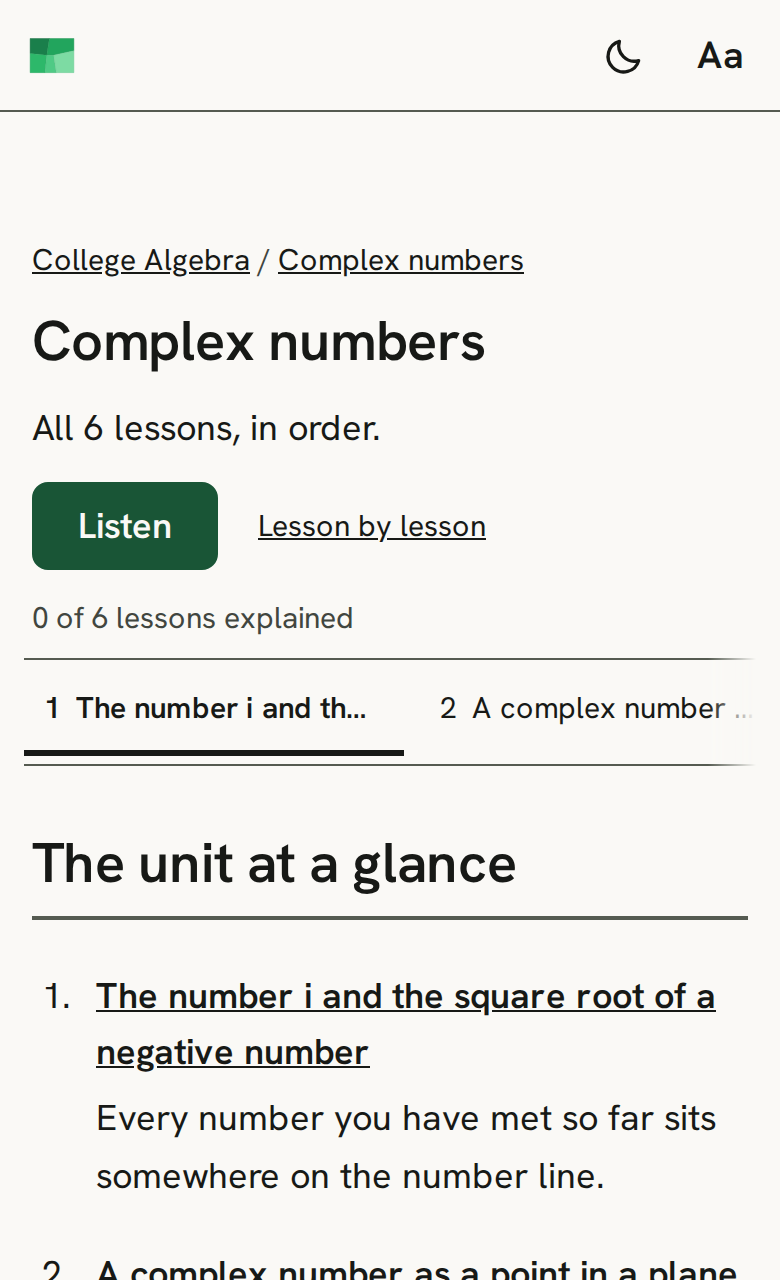
Review the crash course
Scan the course’s rules, examples and reminders in one place.
Try: review the crash course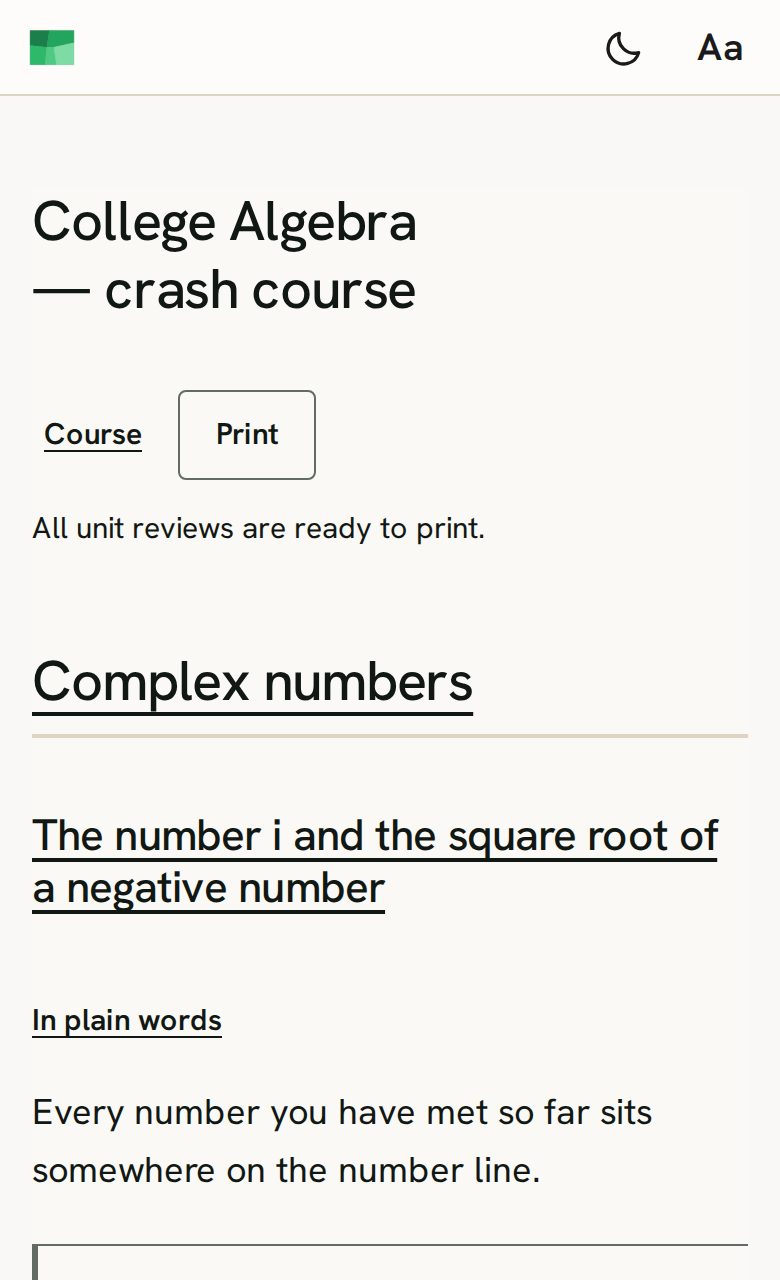
Set up your reading view
Open Reading to adjust the text and the way figures move. Your choices stay in this browser.
Try: set up your reading view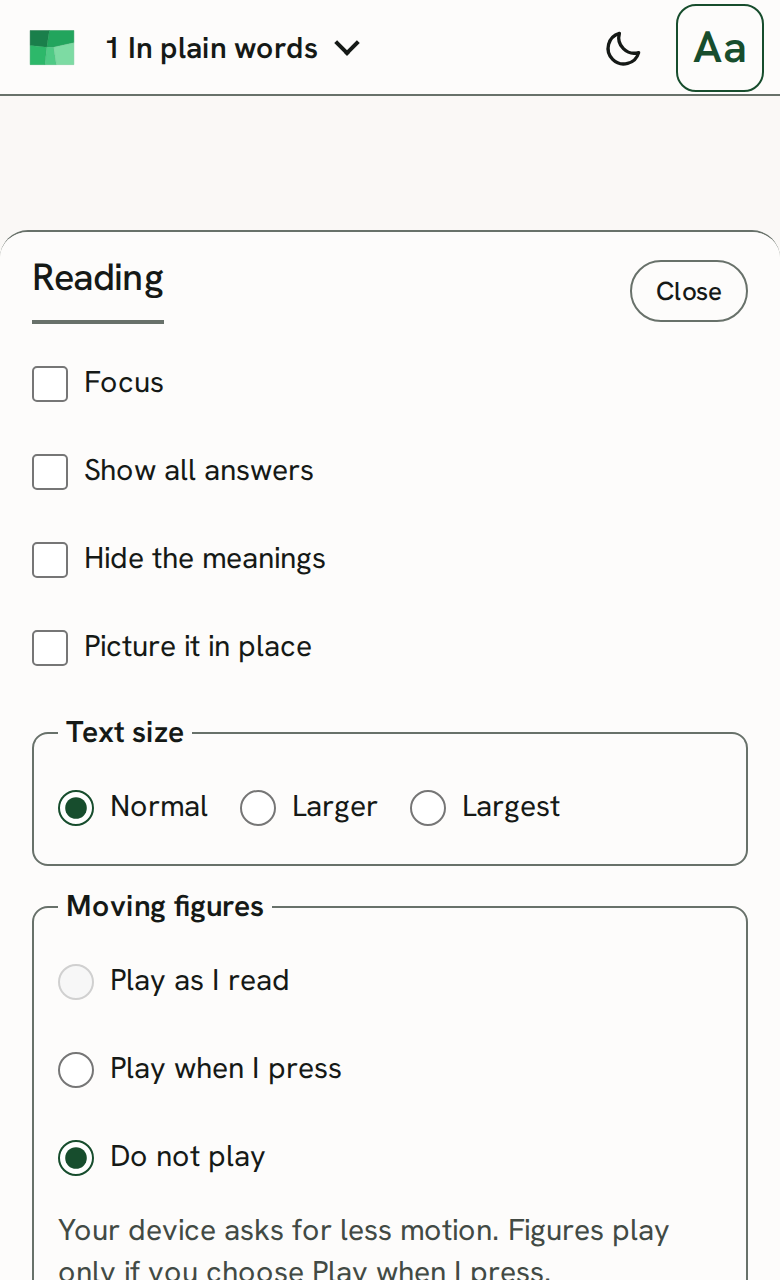
Explore the OpenQuarry format
See the file format behind the lessons, with schemas and validation tools.
Try: explore the openquarry format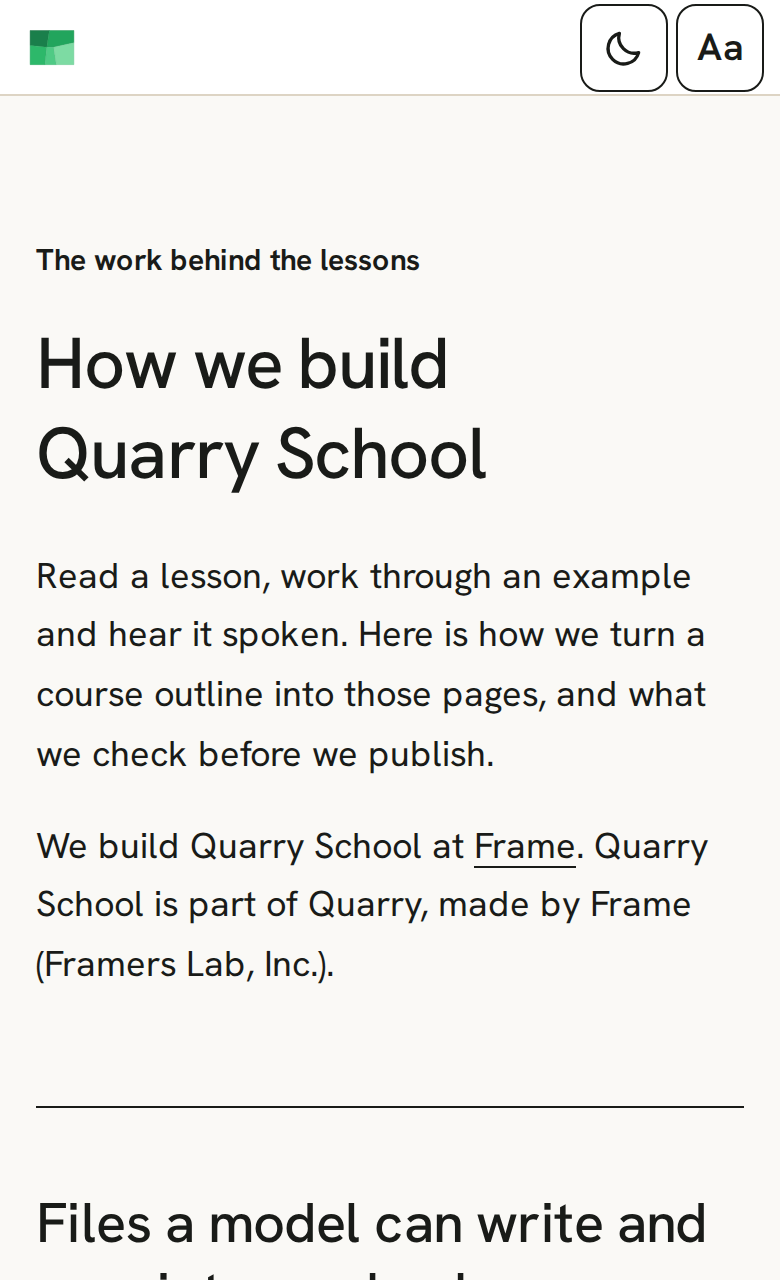
Check what you can reuse
Read the credits and licences before reusing lesson material or source code.
Try: check what you can reuse